Cart
0

How to Design a Stunning Wedding Card in CorelDRAW: Complete Guide + Free CDR Templates

A wedding card is often the very first thing guests see of a couple's big day — and in India especially, it carries real weight: color symbolism, family names, religious motifs, RSVP details, and a layout that needs to survive both premium print and WhatsApp sharing. Designing one well in CorelDRAW isn't complicated once you know the structure — here's the complete process, from blank layout to print-ready file.
Table of Contents
- What Makes a Wedding Card Design Different From Other Print Work
- Planning the Layout Before You Open CorelDRAW
- Setting Up Your Document Correctly
- Choosing Colors That Match Tradition and Trend
- Typography for Wedding Cards — Getting Names and Dates Right
- Working With Motifs, Borders, and Ornamental Elements
- Designing for Different Wedding Card Styles
- Common Wedding Card Design Mistakes
- Preparing the File for Print vs Digital Sharing
- A Pre-Print Wedding Card Checklist
- Skip the Blank Canvas — Free Wedding Card CDR Templates
- Frequently Asked Questions
1. What Makes a Wedding Card Design Different From Other Print Work
Unlike a business card or flyer, a wedding card usually has to balance several things at once:
- Emotional tone — elegant, warm, celebratory, sometimes religious or cultural
- Dense, precise information — names (often in two languages/scripts), dates, venue, family names, RSVP contact
- Premium print finish expectations — many wedding cards use foil, embossing, or heavy cardstock, which affects how colors and fine details need to be designed
- Cultural and religious symbolism — Hindu, Muslim, Sikh, Christian, and regional Indian wedding cards each have their own visual conventions (colors, motifs, scripts) that matter to the client
Getting the emotional tone and information hierarchy right matters just as much as clean vector work.
2. Planning the Layout Before You Open CorelDRAW
Before touching the software, gather:
- Final wording for names, dates, venue, and family details (confirm spelling directly — this is the #1 source of expensive reprints)
- Whether the card needs to be single-page, a folded card, or a multi-panel invite (some Indian wedding cards include a separate insert for events like Mehendi, Sangeet, or Reception)
- The couple's preferred color palette or theme, if they have one
- Any required script/language pairing (e.g., English + Hindi, English + Punjabi + Gurmukhi)
Wedding card revisions are expensive to make late — nailing down the text and structure early saves far more time than starting the visual design immediately.
3. Setting Up Your Document Correctly
- File > New
- Set the page size to your final trim size — common wedding card sizes in India include 5x7 inches, 6x8 inches, and square 6x6 inch formats, though this varies widely by print vendor
- Set Color Mode to CMYK from the start (see our guide on why RGB files print with shifted colors)
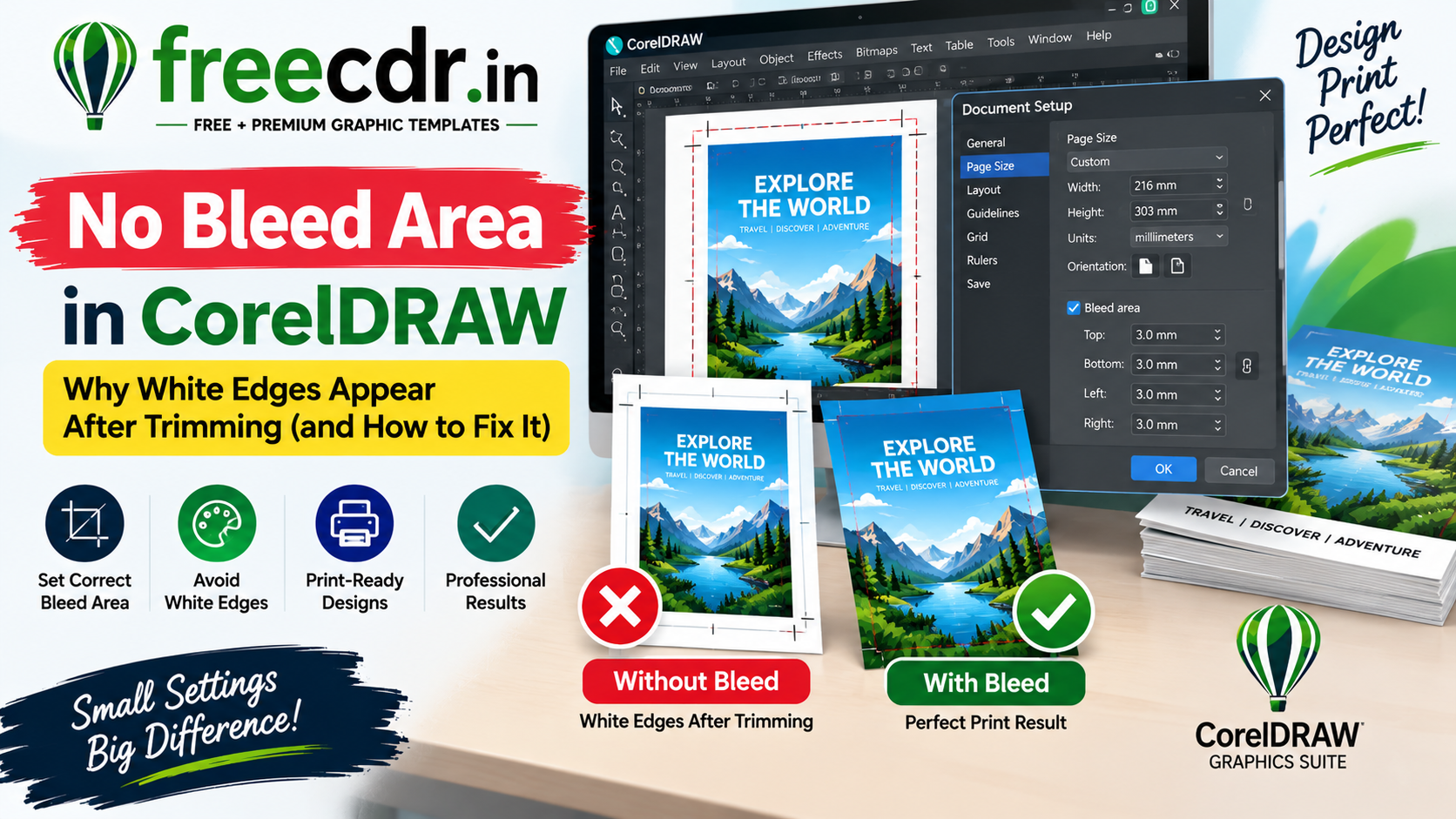
- Set Bleed to 3–5mm (see our full bleed guide) — especially important for wedding cards with full-bleed background patterns or borders
- If the card has multiple panels (a folded card, or an insert), set up separate pages or a multi-page document to keep everything organized
4. Choosing Colors That Match Tradition and Trend
Color carries meaning in Indian wedding design, and clients often have strong expectations:
- Red and maroon — classic, traditional, especially common in Hindu and Punjabi wedding cards
- Gold accents — nearly universal across styles, often paired with foil-effect printing
- Pastels (blush pink, sage green, dusty blue) — increasingly popular for modern, minimalist wedding card trends
- Ivory and cream bases — common for elegant, understated designs, often paired with maroon or gold typography
- White and deep green — frequently used in Muslim and Islamic wedding card designs, often alongside calligraphy
Always confirm color preference directly with the client rather than assuming based on religion or region — modern couples increasingly mix traditional motifs with entirely custom palettes.
5. Typography for Wedding Cards — Getting Names and Dates Right
- Use an elegant script or calligraphic font for the couple's names — this is usually the visual focal point of the entire card
- Keep body text (venue, date, RSVP) in a clean, highly legible font — ornamental fonts for every line make the card hard to read at a glance
- If the card includes a second script (Hindi, Punjabi, Arabic calligraphy), source a proper font for that script rather than trying to fake it — mismatched or incorrect script rendering is a common, easily-avoidable error
- Check text size carefully once bleed and safe zone are set — names and dates should never sit close enough to the trim edge to risk being clipped
6. Working With Motifs, Borders, and Ornamental Elements
CorelDRAW handles decorative wedding elements well through a few core techniques:
- Vector floral and paisley motifs — build once, then use Transform > Scale/Rotate to duplicate and vary them around borders without redrawing from scratch
- Symmetrical borders — use Object > Mirror to build one half of an ornamental border, mirror it, and join for a perfectly symmetrical frame
- Foil-simulation effects — for cards heading to foil printing, keep foil areas as flat, clearly separated vector shapes on their own layer, since foil stamping is a separate physical process from CMYK ink and needs a clean, isolated outline to work from
- Layering — keep background pattern, ornamental border, and text on separate layers so you can adjust one without disturbing the others
7. Designing for Different Wedding Card Styles
| Style | Typical Elements |
|---|---|
| Traditional Hindu | Red/maroon + gold, ganesha or floral motifs, Sanskrit shlokas |
| Modern Minimalist | Pastel or monochrome palette, clean sans-serif type, negative space |
| Muslim/Islamic | Green/gold or white/gold, Arabic calligraphy, geometric patterns |
| Sikh/Punjabi | Bright colors, Gurmukhi script pairing, Khanda or floral motifs |
| Christian | Soft pastels or white/gold, floral or dove motifs, elegant script |
| Destination/Theme Wedding | Custom illustration matching the venue or theme (beach, royal palace, etc.) |
Matching structural conventions to the couple's actual background and preferences — rather than a generic "wedding template" — is what separates a professional result from a stock-looking one.
8. Common Wedding Card Design Mistakes
- Not confirming spelling of names, dates, and venue directly with the client before finalizing — this is the single costliest mistake in wedding card design
- Using RGB colors for a card that's going to premium print, resulting in duller-than-expected gold and red tones
- Placing text too close to the trim edge, risking names or dates being clipped
- Overcrowding the card with too many motifs, fonts, or colors, losing the visual hierarchy
- Forgetting a digital-friendly version — most couples also share the invite over WhatsApp, which needs a version optimized for screen viewing, not just print
9. Preparing the File for Print vs Digital Sharing
Wedding cards typically need two export versions:
For print:
- Confirm CMYK color mode and correct bleed
- Convert text to curves, or embed fonts, before sending to the printer (see our missing fonts guide)
- Export via File > Publish to PDF, enabling crop marks under Prepress settings (see our cutting marks guide)
For digital/WhatsApp sharing:
- Duplicate the design onto an RGB version for accurate on-screen color
- Export as a high-quality JPG or PNG at web-appropriate resolution (typically 1080–1500px on the longer side is enough for phone screens)
- Consider a slightly higher-contrast color adjustment, since phone screens can wash out subtle pastel tones that look fine in print
10. A Pre-Print Wedding Card Checklist
- Names, dates, and venue spelling confirmed directly with the client
- Document set to CMYK with correct bleed
- Script/calligraphy fonts verified for accuracy if using a second language
- Text kept safely inside the trim line, away from bleed edges
- Foil or special-finish areas isolated on their own clean vector layer, if applicable
- Both print (CMYK, curves/embedded fonts) and digital (RGB, web resolution) versions exported
11. Skip the Blank Canvas — Free Wedding Card CDR Templates
If you'd rather start from a well-structured layout than build one from scratch, freecdr.in has a growing collection of free, fully editable wedding card CDR templates — covering traditional, modern, and regional Indian styles — built print-ready in CMYK with correct bleed and fonts included, with no watermark.
Downloading a wedding card template from freecdr.in gives you a working structure (layout, layering, color setup) that's already print-tested — you can focus your time on customizing names, colors, and motifs to match each couple, instead of rebuilding page setup and bleed from zero every time.
12. Frequently Asked Questions
Q: What's the ideal wedding card size for Indian print vendors?
It varies widely by vendor and card style — 5x7 inches, 6x8 inches, and 6x6 inch square are all common. Always confirm exact size with your specific printer before finalizing layout.
Q: Should I design in RGB since the couple mainly wants to share it on WhatsApp?
If the card is being printed at all, design the master file in CMYK for print accuracy, then export a separate RGB version specifically for digital sharing — this avoids duller print colors caused by RGB-to-CMYK conversion after the fact.
Q: How do I handle a second script like Hindi or Punjabi correctly?
Use a proper, correctly licensed font for that script rather than approximating it, and ideally have a native speaker proofread the text before finalizing — script rendering errors are hard to catch otherwise.
Q: What's the safest way to avoid a costly reprint?
Get written confirmation of all names, dates, and venue spelling directly from the client before final print export — verbal confirmations are the most common source of last-minute wedding card errors.
Q: Can I find wedding card templates that already have bleed and CMYK set up correctly?
Yes — free, print-ready wedding card CDR templates, like those on freecdr.in, are typically pre-built with correct bleed and CMYK color, saving setup time on every new design.