Cart
0

How to Download a Free Business Card CDR File from FreeCDR.in (Step-by-Step Guide)

Need a professional, print-ready business card fast — without starting from a blank CorelDRAW canvas? FreeCDR.in offers free, fully editable business card CDR templates built specifically for designers and print shops. Here's the exact step-by-step process to find, download, and start customizing one in minutes.
Table of Contents
- Why Use a Free CDR Business Card Template
- What You Need Before You Start
- Step 1 — Visit FreeCDR.in
- Step 2 — Browse or Search the Business Card Collection
- Step 3 — Preview the Template
- Step 4 — Download the CDR File
- Step 5 — Open the File in CorelDRAW
- Step 6 — Customize the Template
- Step 7 — Prepare the File for Print
- Common Issues When Downloading or Opening the File
- A Quick-Start Checklist
- Frequently Asked Questions
1. Why Use a Free CDR Business Card Template
Designing a business card from scratch means setting up trim size, bleed, color mode, and layout structure every single time — work that's identical across most standard cards. A ready-made template skips that repetitive setup:
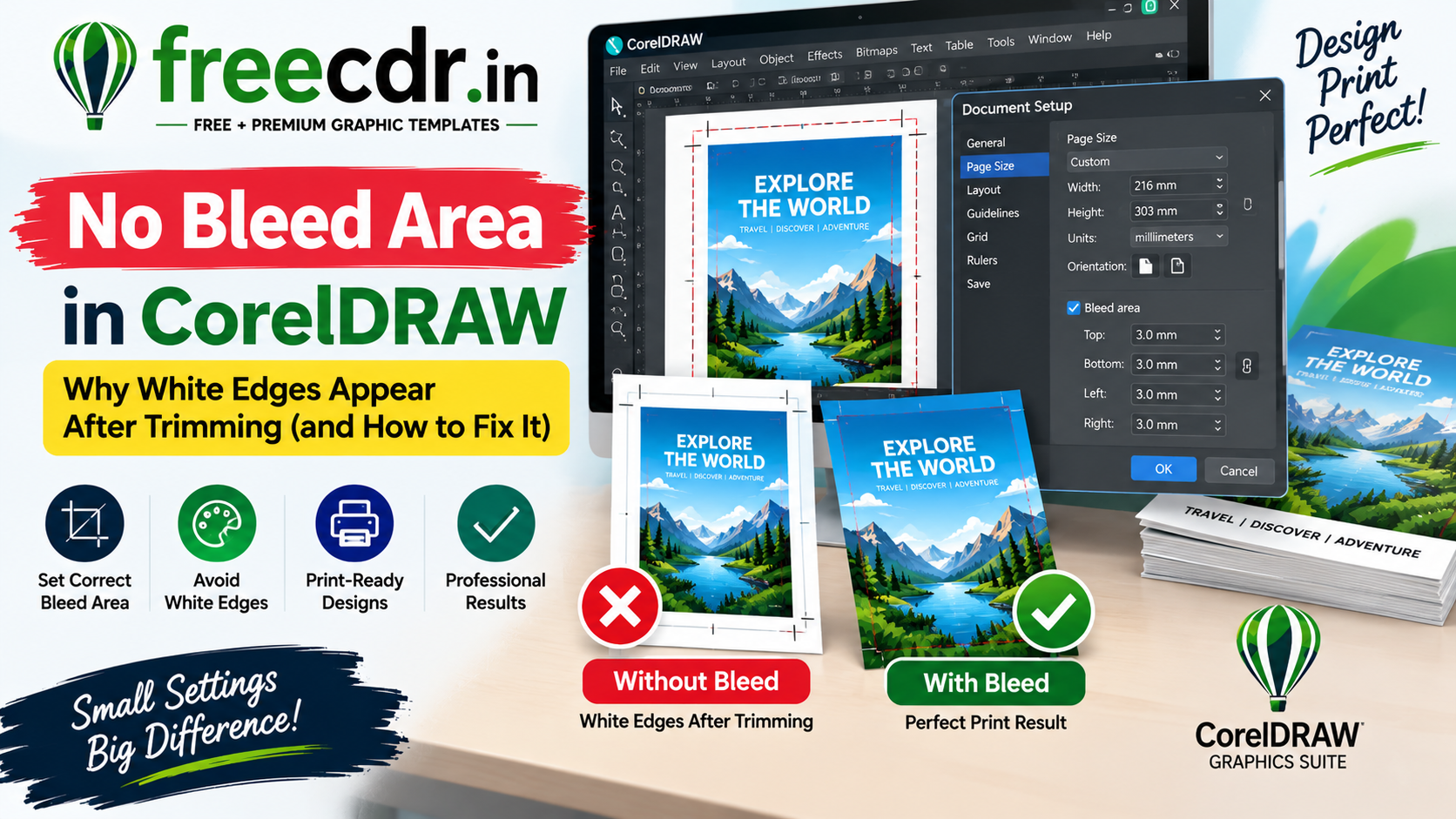
- Correct trim size and bleed already configured, so you don't have to calculate margins manually
- CMYK color mode built in, avoiding the common RGB-to-print color shift (see our full guide on why printed colors look different from the screen)
- Professional layout structure you can restyle rather than design from zero
- Faster turnaround for high-volume work — print shops and freelancers producing many cards benefit the most
2. What You Need Before You Start
- CorelDRAW installed — templates on FreeCDR.in are typically built for CorelDraw X7 and above
- A little information about the card you're creating: name, designation, company, contact details, and logo (if available) — having these ready speeds up customization significantly
3. Step 1 — Visit FreeCDR.in
Open your browser and go to freecdr.in. The homepage showcases featured and popular templates across categories — packaging, labels, wedding cards, and business cards among them.
4. Step 2 — Browse or Search the Business Card Collection
- Use the site's navigation menu or category filter to find the Business Cards section
- Alternatively, use the search bar and type "business card" to pull up all matching templates directly
- Scroll through the available designs — FreeCDR.in typically organizes these by style (modern, minimal, corporate, creative) to help you find a fit quickly
5. Step 3 — Preview the Template
Before downloading, click into any template that catches your eye:
- Review the preview image carefully — check the layout, color scheme, and overall style against what you need
- Check the product description for details like file format, CorelDraw version compatibility, and whether fonts are included
- If the site lists dimensions or bleed specifications, note them — this confirms the template is print-ready rather than just a web mockup
6. Step 4 — Download the CDR File
- Click the Download (or Free Download) button on the template's page
- If prompted, complete any required steps (like a quick sign-in or email confirmation, depending on the site's current download process)
- The file will typically download as a .cdr file, or a .zip folder containing the CDR file along with any linked assets and fonts
- If it downloads as a .zip, extract/unzip it fully to a folder on your computer before opening — don't try to open the CDR file directly from inside the zip, since linked assets may fail to load
7. Step 5 — Open the File in CorelDRAW
- Launch CorelDRAW
- Go to File > Open, and navigate to your extracted folder
- Select the .cdr file and open it
- If you see a Missing Fonts warning, either install the listed font or use a substitute for now (see our full guide on fixing missing fonts in CorelDRAW for the permanent solution)
- If any images show a red X placeholder, the linked image path may need relinking — see our guide on fixing missing linked images in CorelDRAW
8. Step 6 — Customize the Template
- Replace placeholder text with the actual name, designation, company name, and contact details
- Swap in the client's or your own logo, resizing carefully to match the existing layout proportions
- Adjust colors if needed to match brand guidelines — since the template is already in CMYK, any new colors you pick should also be set in CMYK to stay consistent (avoid mixing RGB objects into an otherwise CMYK file)
- Double-check that all text stays within the safe zone, away from the trim edge, especially after resizing or repositioning elements
9. Step 7 — Prepare the File for Print
- Confirm the document's bleed is still set correctly (typically 3mm for business cards) under Layout > Page Setup
- Convert text to curves, or plan to embed fonts on export, so the design doesn't break if opened on a different machine (see our missing fonts guide for both methods)
- Export via File > Publish to PDF, enabling crop marks under Prepress settings
- Send the exported PDF to your printer, or review it yourself at 100% zoom if self-printing
10. Common Issues When Downloading or Opening the File
| Issue | Likely Cause | Fix |
|---|---|---|
| Download link doesn't respond | Ad blocker or browser extension interference | Temporarily disable extensions, or try a different browser |
| File won't open / version error | CDR file built in a newer CorelDraw version than installed | Check the template's listed compatible version, or update CorelDraw |
| Fonts look wrong | Font used in template isn't installed | Install the listed font, or substitute (see our missing fonts guide) |
| Images show a red X | Linked images weren't extracted correctly from the zip | Re-extract the full zip folder before opening the CDR file |
| Colors look different after export | RGB objects mixed into a CMYK file | Select all objects and confirm consistent CMYK color mode before exporting |
11. A Quick-Start Checklist
- CorelDRAW installed and updated to a compatible version
- Downloaded file fully extracted from its zip folder before opening
- Template previewed and confirmed to match desired style before download
- All placeholder text and logo replaced with real details
- Bleed and CMYK color mode confirmed before export
- Text converted to curves, or fonts embedded, before sending to print
12. Frequently Asked Questions
Q: Are FreeCDR.in business card templates really free to use?
Yes — templates listed as free downloads on FreeCDR.in are available at no cost. Always check the specific listing for any usage notes.
Q: Do I need to sign up to download a template?
This can vary by site and may change over time — follow whatever step is shown on the download button at the time you visit; most free downloads require only a simple action to proceed.
Q: What if the downloaded file only has fonts I don't own?
Either install the specific font referenced in the file, or substitute a similar one you own — see our full guide on fixing missing fonts in CorelDRAW for both permanent and quick-fix options.
Q: Can I resize a business card template to a different card size?
Yes, but always re-check bleed and safe zone after resizing — proportional scaling doesn't automatically preserve correct bleed margins for a new final trim size.
Q: Is the downloaded template already print-ready, or do I need to convert it?
Most templates are pre-built in CMYK with bleed set, but always double-check both settings yourself before sending to print — file specifications can vary between templates.
More free CDR templates and CorelDraw guides — covering business cards, wedding cards, packaging, and design troubleshooting — are available at freecdr.in.