Cart
0

What is CorelDRAW? A Beginner's Guide to the Vector Graphics Software Every Designer Should Know

If you've ever seen a professionally designed business card, a soap box, a wedding invitation, or a shop signboard in India, there's a good chance it was built in CorelDRAW. It's one of the most widely used design programs in the printing and packaging industry — yet many people outside the design world have never heard of it. Here's a complete, beginner-friendly explanation of what CorelDRAW actually is, what it's used for, and why it remains a go-to tool for print designers decades after its release.
Table of Contents
- What is CorelDRAW, in Plain Terms
- A Quick History
- Vector Graphics — Why This Matters
- What CorelDRAW Is Used For
- What's Inside CorelDRAW Graphics Suite
- Key Tools Every Beginner Should Know
- CorelDRAW vs Adobe Illustrator
- Who Actually Uses CorelDRAW
- File Formats: Understanding .CDR
- Is CorelDRAW Good for Beginners?
- How to Start Learning CorelDRAW
- Skip the Blank Canvas — Free CDR Templates
- Frequently Asked Questions
1. What is CorelDRAW, in Plain Terms
CorelDRAW is a vector graphics editor — a software program used to create designs made of scalable lines, shapes, and curves, rather than pixels. It's developed by Corel Corporation and has been a major name in graphic design software since the late 1980s.
In simple terms: if you need to design a logo, a business card, packaging for a product, a banner, or a label — and you need it to stay perfectly sharp whether it's printed the size of a stamp or the size of a billboard — CorelDRAW is built exactly for that kind of work.
2. A Quick History
CorelDRAW was first released in 1989 by Corel Corporation, making it one of the earliest professional vector design tools available for personal computers. Over more than three decades, it's gone through many major version updates, adding features for web graphics, typography, photo editing (via the bundled Corel PHOTO-PAINT), and modern design workflows — while staying particularly strong in the print and packaging space, an area where it remains extremely popular, especially across India's design and printing industry.
3. Vector Graphics — Why This Matters
This is the single most important concept to understand about CorelDRAW.
- Vector graphics are built from mathematical paths — points, lines, and curves — rather than a fixed grid of colored pixels
- This means a vector design can be scaled up or down to any size without losing quality or becoming blurry
- A logo designed in CorelDRAW at business-card size can be scaled up to a huge banner or billboard and still look perfectly crisp
Compare this to a photo (a raster/bitmap image), which is made of a fixed number of pixels — zoom in far enough and it turns blurry or blocky. This is exactly why logos, packaging artwork, and anything that needs to be resized for different print products are built in vector software like CorelDRAW rather than in a photo editor.
4. What CorelDRAW Is Used For
CorelDRAW is used across a wide range of professional design work, including:
- Logo design — clean, scalable brand marks
- Business cards and visiting cards
- Packaging design — soap boxes, cosmetic packaging, FMCG cartons, food labels
- Wedding cards and invitations
- Banners, hoardings, and signage
- Brochures, flyers, and pamphlets
- Labels and stickers — including custom die-cut shapes
- Apparel and textile print designs
- Technical illustrations and layouts
It's especially dominant in print production environments — small and large print shops, packaging studios, and freelance designers who regularly hand off files directly to commercial printers.
5. What's Inside CorelDRAW Graphics Suite
CorelDRAW isn't just a single program — it's usually installed as part of CorelDRAW Graphics Suite, which bundles several tools together:
- CorelDRAW — the core vector illustration and page layout application
- Corel PHOTO-PAINT — a raster/bitmap photo editing tool, similar in purpose to Adobe Photoshop
- Additional utilities for font management, tracing bitmap images into vectors, and other supporting tasks
This means a single installation covers most of what a print/packaging designer needs day to day, without switching between separate unrelated programs.
6. Key Tools Every Beginner Should Know
For someone just starting out, these are the core tools worth learning first:
- Rectangle, Ellipse, and Shape tools — for basic object creation
- Bezier and Pen tools — for drawing custom curves and precise paths
- Text tool — for typography, including paragraph and artistic text modes
- Fill and Outline tools — for coloring shapes and controlling stroke properties
- Shape (node editing) tool — for reshaping curves and paths after drawing them
- Object Manager — for organizing your design into layers, which becomes essential once a design has more than a handful of elements
Beginners typically start with simple shape-based designs (a basic logo or card layout) before moving into more advanced curve work and effects.
7. CorelDRAW vs Adobe Illustrator
These are the two most commonly compared vector design programs, and the honest answer is that both are capable professional tools — the right choice often comes down to workflow and industry:
- CorelDRAW has particularly strong roots in print and packaging production, with features like precise page layout tools, strong support for multi-page documents, and a long-standing presence in commercial print shops — especially in India and parts of Europe
- Adobe Illustrator is deeply integrated with the wider Adobe Creative Cloud ecosystem (Photoshop, InDesign), and tends to be more dominant in agency, branding, and digital-first design environments in some regions, particularly the US
Neither is objectively "better" across the board — many professional designers are fluent in both, and the choice often comes down to what your local print vendors, clients, or team already use.
8. Who Actually Uses CorelDRAW
- Freelance graphic designers, especially those focused on print and packaging
- Print shops and packaging studios, where CorelDRAW files are often the direct handoff format to production
- Sign-making and large-format print businesses
- Small business owners designing their own marketing materials
- Students and design trainees learning vector illustration fundamentals
- Textile and apparel designers working with pattern and print layouts
9. File Formats: Understanding .CDR
CorelDRAW's native file format is .CDR — this is the file type you'll see referenced throughout templates, tutorials, and design resources related to the software. A few things worth knowing:
- .CDR files store your full editable design — shapes, text, layers, and color information
- CorelDRAW can also open and export to other common formats like .AI, .EPS, .SVG, .PDF, and standard image formats (.JPG, .PNG)
- Because .CDR is version-specific, a file built in a newer CorelDRAW version may show a compatibility warning when opened in an older one — worth checking before opening a downloaded template
10. Is CorelDRAW Good for Beginners?
Yes, with the right starting approach. CorelDRAW's interface is generally considered approachable for new users compared to some other professional design tools, particularly because:
- Toolbars and panels are visually organized and labeled clearly
- Many basic operations (drawing shapes, adding text, applying color) are intuitive from the start
- There's a large community of tutorials, especially focused on practical outputs like business cards, packaging, and logos — useful for beginners who want to learn by building real things rather than abstract exercises
The learning curve increases with more advanced features — precise vector path editing, color management for print, dielines for packaging — but these can be picked up gradually as actual projects demand them.
11. How to Start Learning CorelDRAW
- Start with a real, small project — a simple business card or social media graphic — rather than trying to learn every tool first
- Learn the difference between vector and raster work early, since it shapes how you approach every design decision
- Practice with pre-built templates to understand professional file structure (layers, color mode, bleed) before building your own from scratch
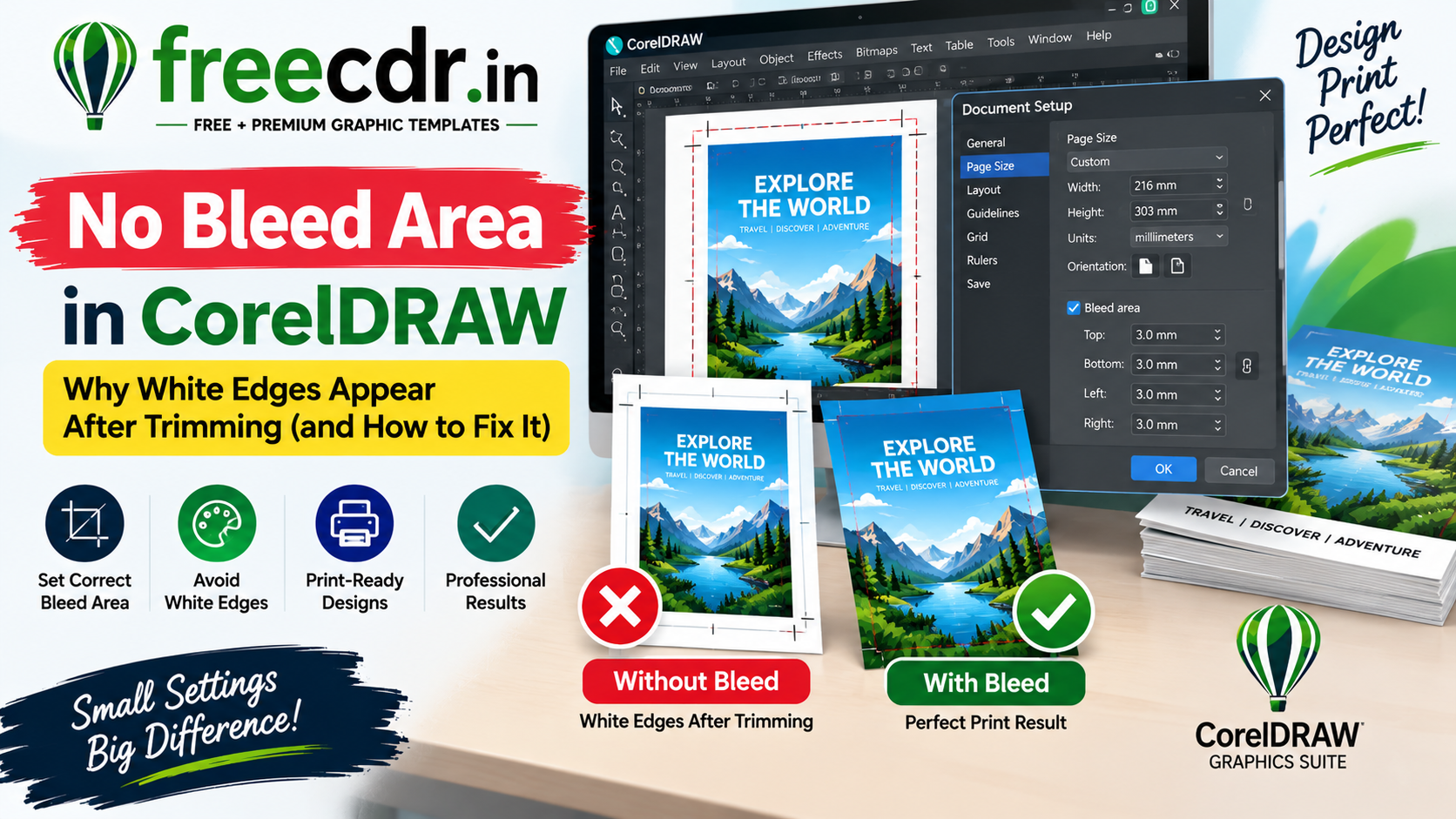
- Gradually move into print-specific skills — CMYK color mode, bleed, cutting marks, and dieline work — once you're comfortable with the basic toolset
12. Skip the Blank Canvas — Free CDR Templates
Learning CorelDRAW is faster when you study real, professionally built files instead of starting from nothing. freecdr.in offers a large library of free, fully editable CorelDraw CDR templates — business cards, wedding cards, packaging designs, labels, and more — built print-ready in CMYK with fonts included.
Downloading a free template and opening it up in CorelDRAW is a genuinely useful way to see how layers, color, bleed, and typography are structured in a real, professional design — far more instructive for a beginner than a blank page.
13. Frequently Asked Questions
Q: Is CorelDRAW free to use?
CorelDRAW Graphics Suite is a paid, licensed product from Corel Corporation, though free trials are typically available. Free CDR templates and resources (like those on freecdr.in) are separate from the software itself — they're design files you can use once you have CorelDRAW installed.
Q: What's the difference between CorelDRAW and Corel PHOTO-PAINT?
CorelDRAW is a vector graphics editor for scalable illustration and layout work; Corel PHOTO-PAINT (bundled in the same suite) is a raster/bitmap photo editing tool, closer in purpose to Photoshop. They're complementary, not competing tools.
Q: Can CorelDRAW open Adobe Illustrator files?
CorelDRAW can typically open and export .AI and .EPS files, though complex files with advanced effects may not translate perfectly between the two programs — always check formatting after import.
Q: Do I need a powerful computer to run CorelDRAW?
CorelDRAW runs reasonably well on standard modern computers for typical design work; very large, image-heavy packaging files benefit from more RAM and a faster processor, but it's not as demanding as, say, high-end video editing software.
Q: What's the best way for a complete beginner to start?
Pick one small, real project (a business card is a common starting point), learn the handful of tools needed to complete it, and build from there — practicing on free, pre-built templates alongside your own projects speeds this up considerably.
More CorelDraw guides and free CDR templates — covering business cards, packaging, wedding cards, and design fundamentals — are available at freecdr.in.